
GPO Benchmark
A portable Windows app that scores a PC, or a GPO export, against Microsoft Security Compliance Toolkit baselines. See how you score in each category, drill into every setting, and save a PDF report.
This is a beta, and it's unsigned. Windows SmartScreen may warn you when you open it. Click More info, then Run anyway. You can check the SHA256 hashes below first.
Features
- Scores this PC, or a GPO export, against Microsoft Security Compliance Toolkit baselines
- Baselines: Windows 11 24H2, 25H2 and 26H2; Windows 10; Windows Server 2022 and 2025; Microsoft Edge; Microsoft 365 Apps
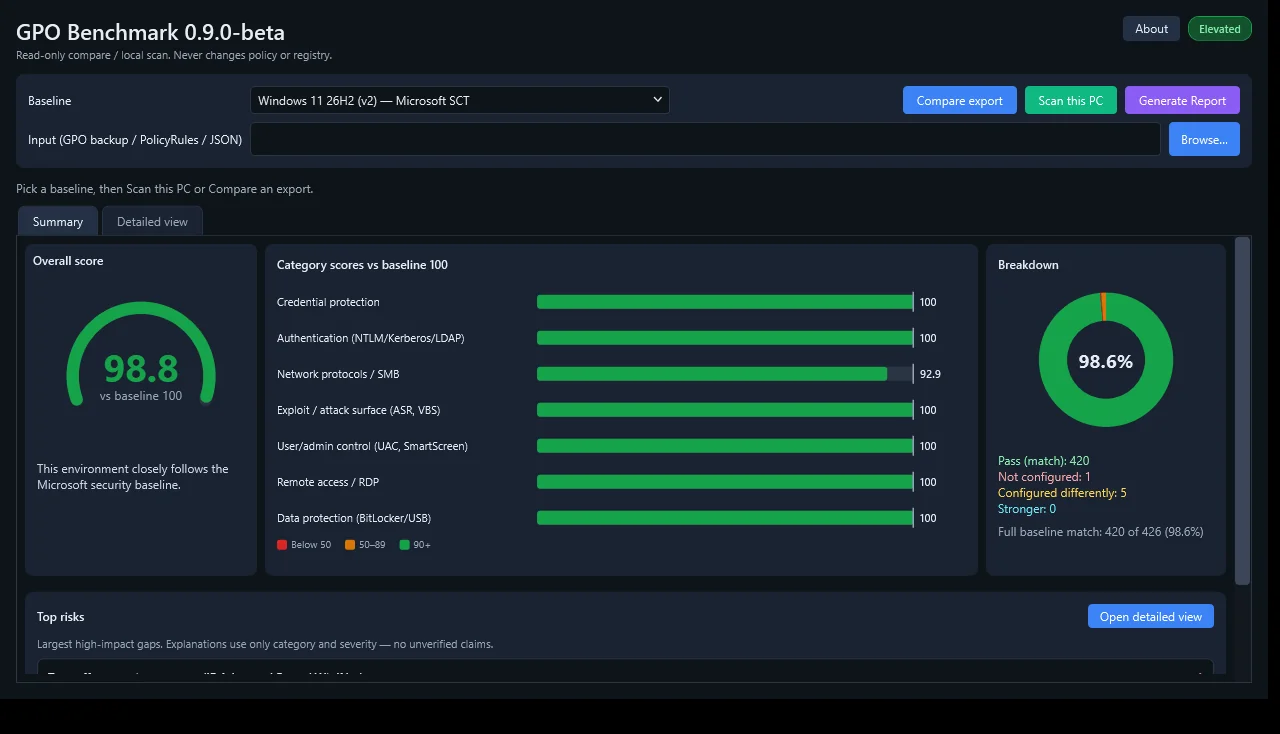
- Category scores so you can see where you stand at a glance
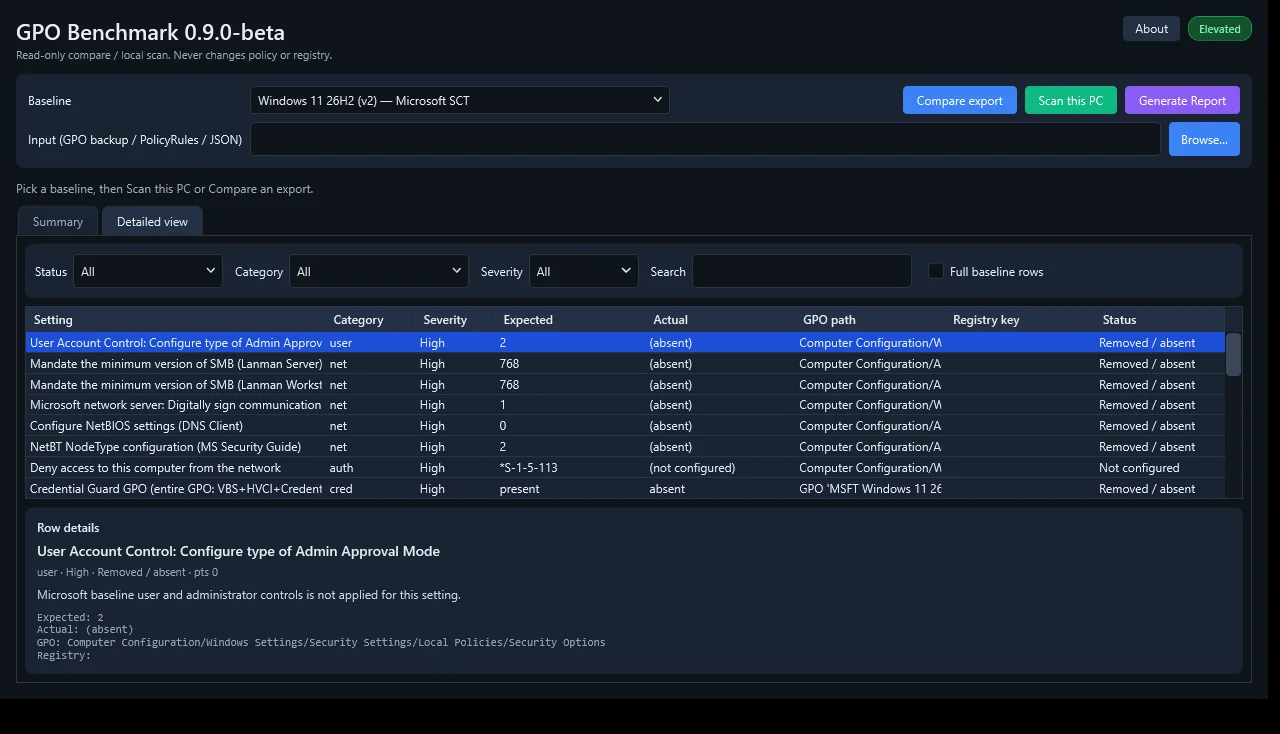
- Detailed per-setting view: expected value, your value, pass or fail
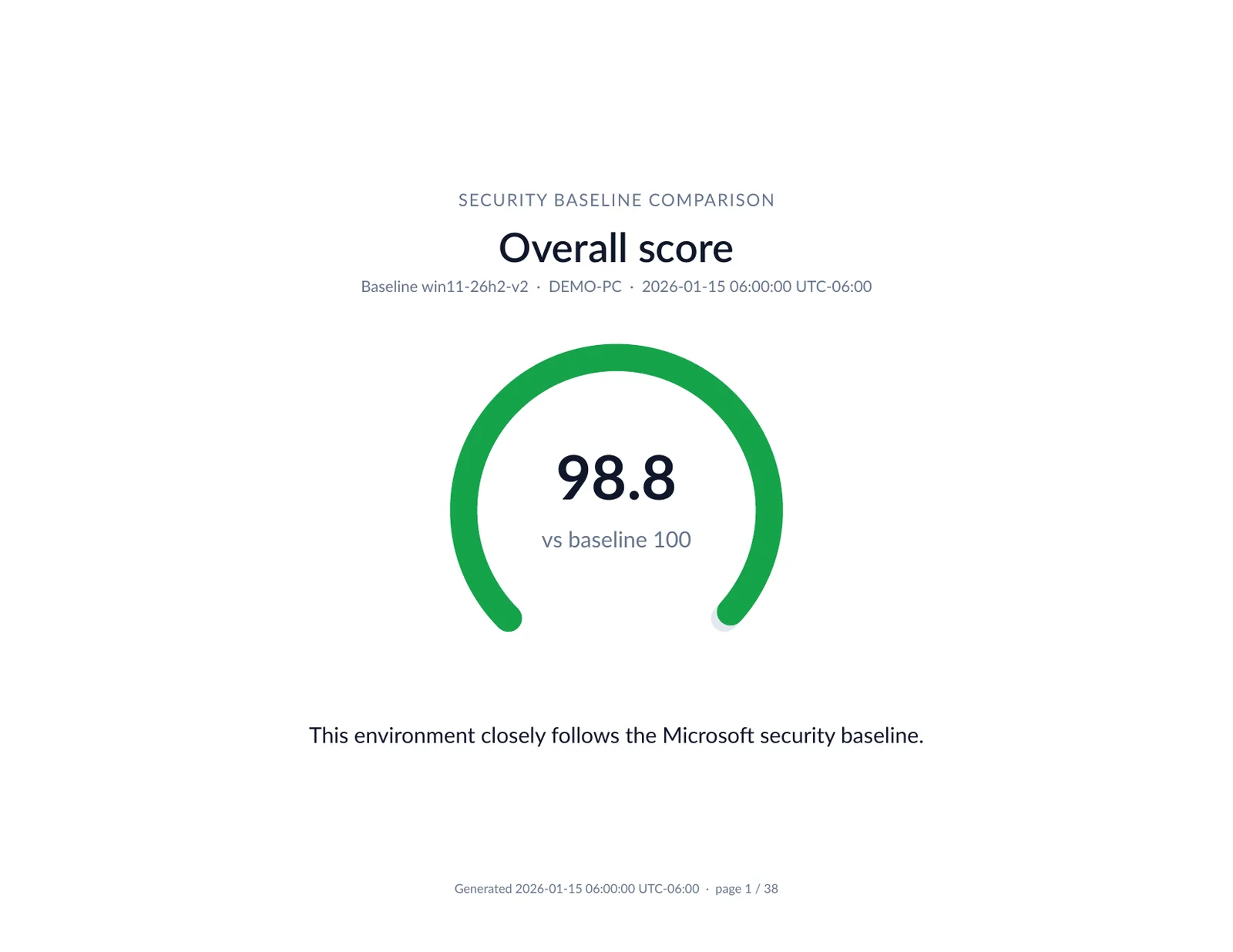
- PDF report you can save or share
- Read-only: it never changes your settings
- GUI and command-line versions, single file, no installer
Screenshots
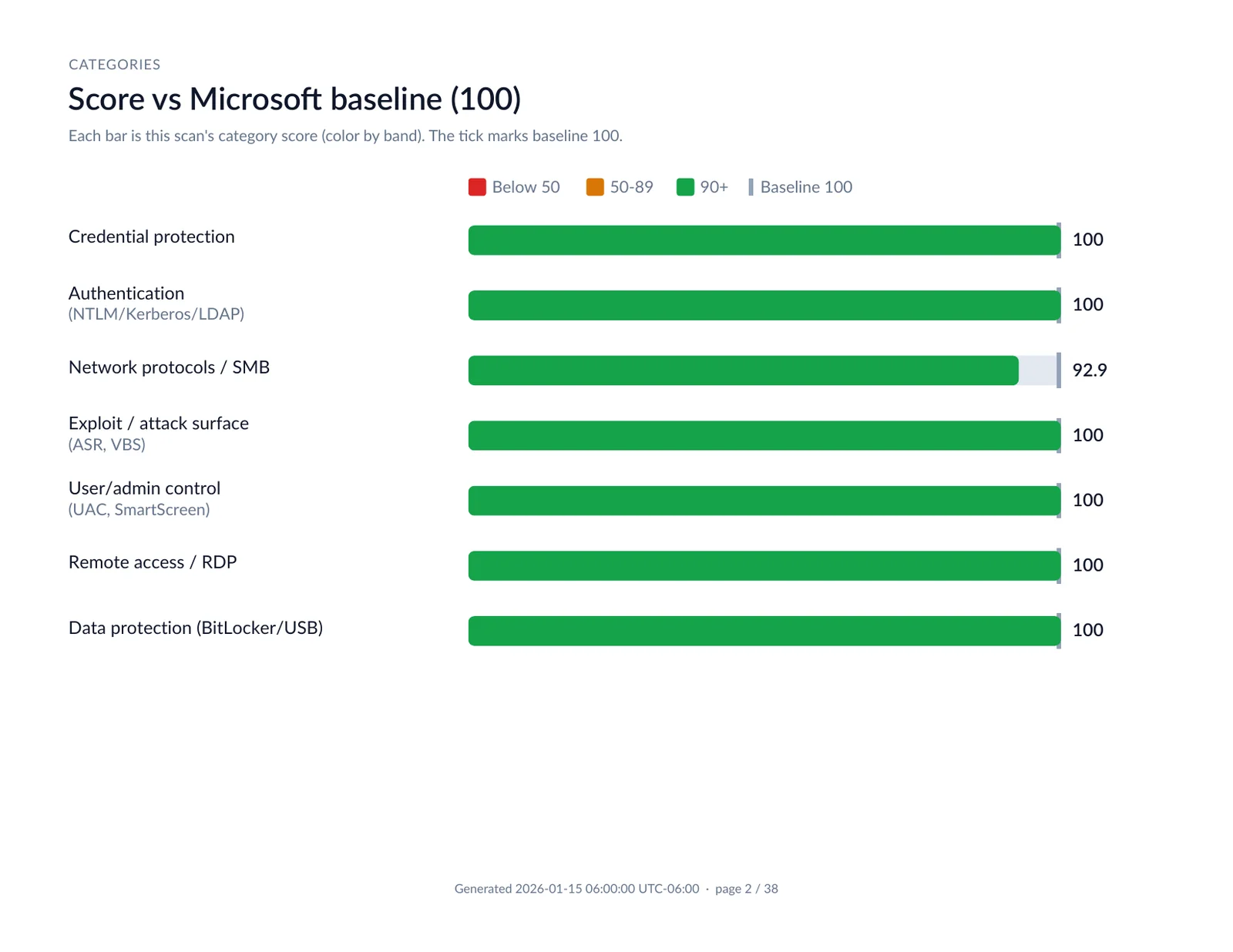
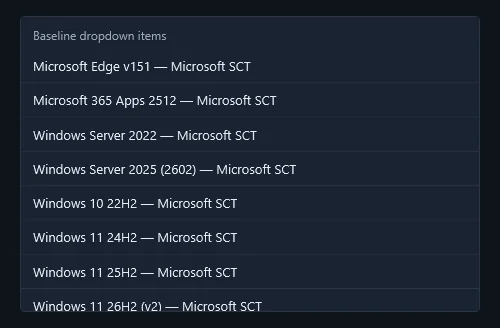
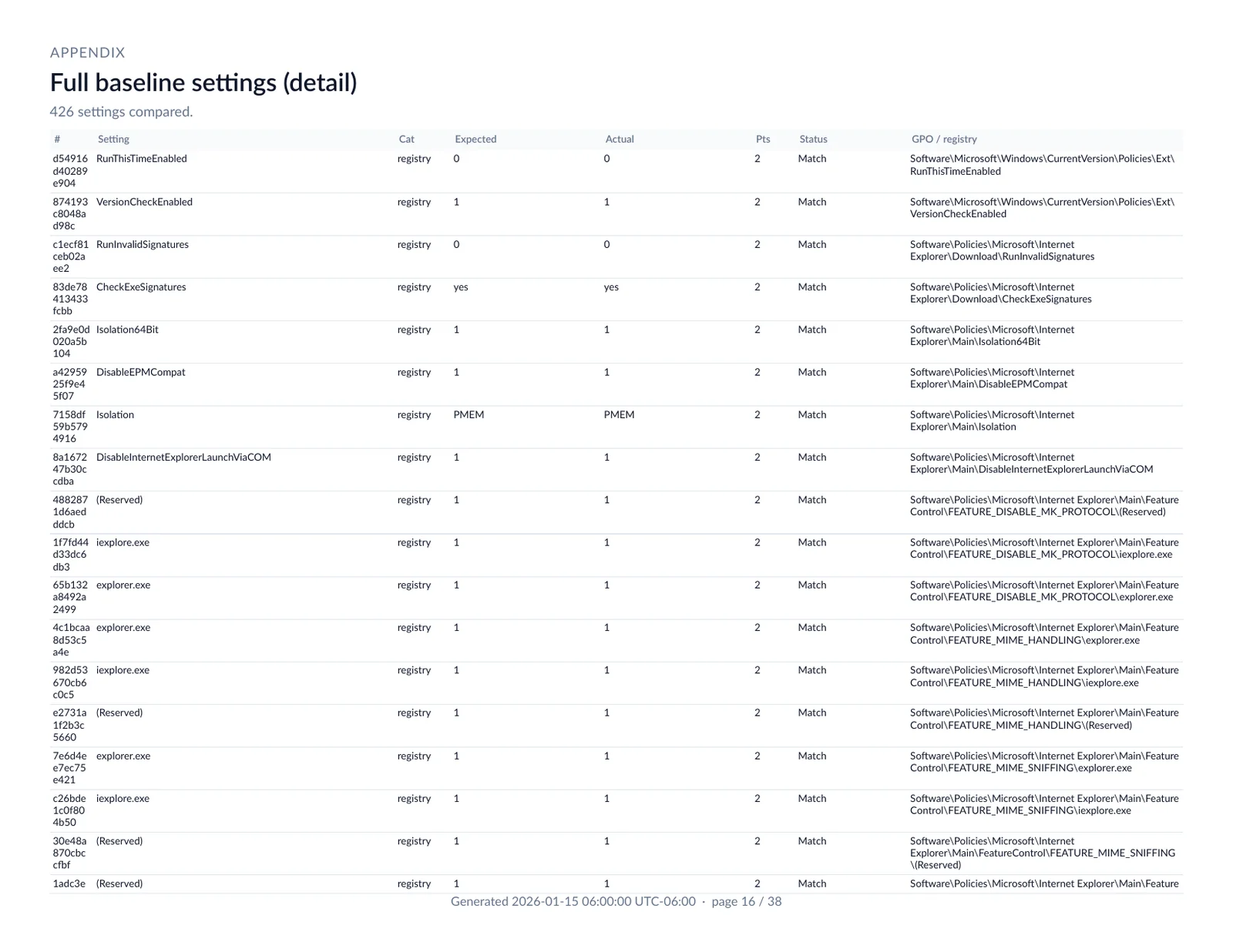
Requirements
- Platform: Windows x64 (Windows 10, Windows 11, Windows Server).
- The GUI runs as administrator so it can read local policy settings.
- Nothing else to install. Everything is bundled.
Install & run
- Download the GUI zip (or the CLI zip).
- Unzip it anywhere.
- Run
GpoBenchmark.exeand accept the admin prompt. For the CLI, rungpo-benchmark.exefrom a terminal.
Downloads
Downloads are hosted on GitHub Releases, where you'll also find the single-file .exe versions and SHA256SUMS.txt. Source code: botlabsusa/gpo-benchmark.
Windows GUI (zip) — GPO Benchmark 0.9.0-beta
Download from GitHub
Windows CLI (zip) — GPO Benchmark 0.9.0-beta
Download from GitHub
Changelog
- 0.9.0-beta Nov 4, 2026
-
- First public beta
- GUI and CLI, scoring against bundled Microsoft security baselines
- Category scores, per-setting detail, and PDF reports